 Swift Explorer
Windows & Linux
A file manager
that keeps up.
Open large folders without freezing the window. Search subfolders in parallel and keep the shortcuts you know from File Explorer.
Free and open source · Windows download runs without installation
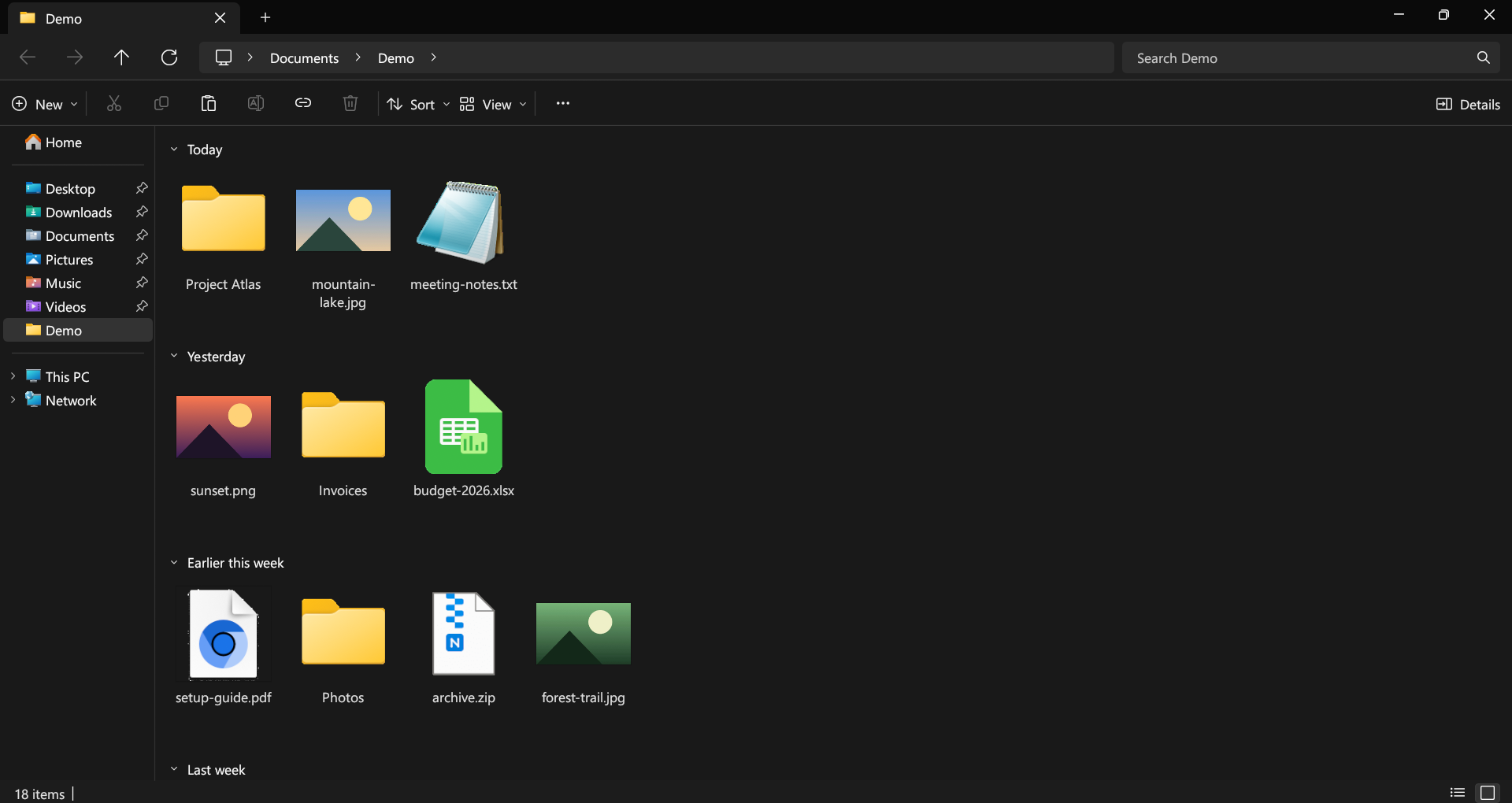
Working with files
Tabs, a breadcrumb address bar and familiar shortcuts carry over from Windows File Explorer. Press F1 to see the shortcut list.
- Search across subfolders
- Type to filter the open folder. Press Enter to search its subfolders in parallel.
- Open two folders side by side
- Press Ctrl+Shift+S for split view, then drag files between the panes.
- Rename files in batches
- Select several files and press F2 to preview new names before applying them.
- Run a command by name
- Press Ctrl+Shift+P and type a command, such as
large icons
.
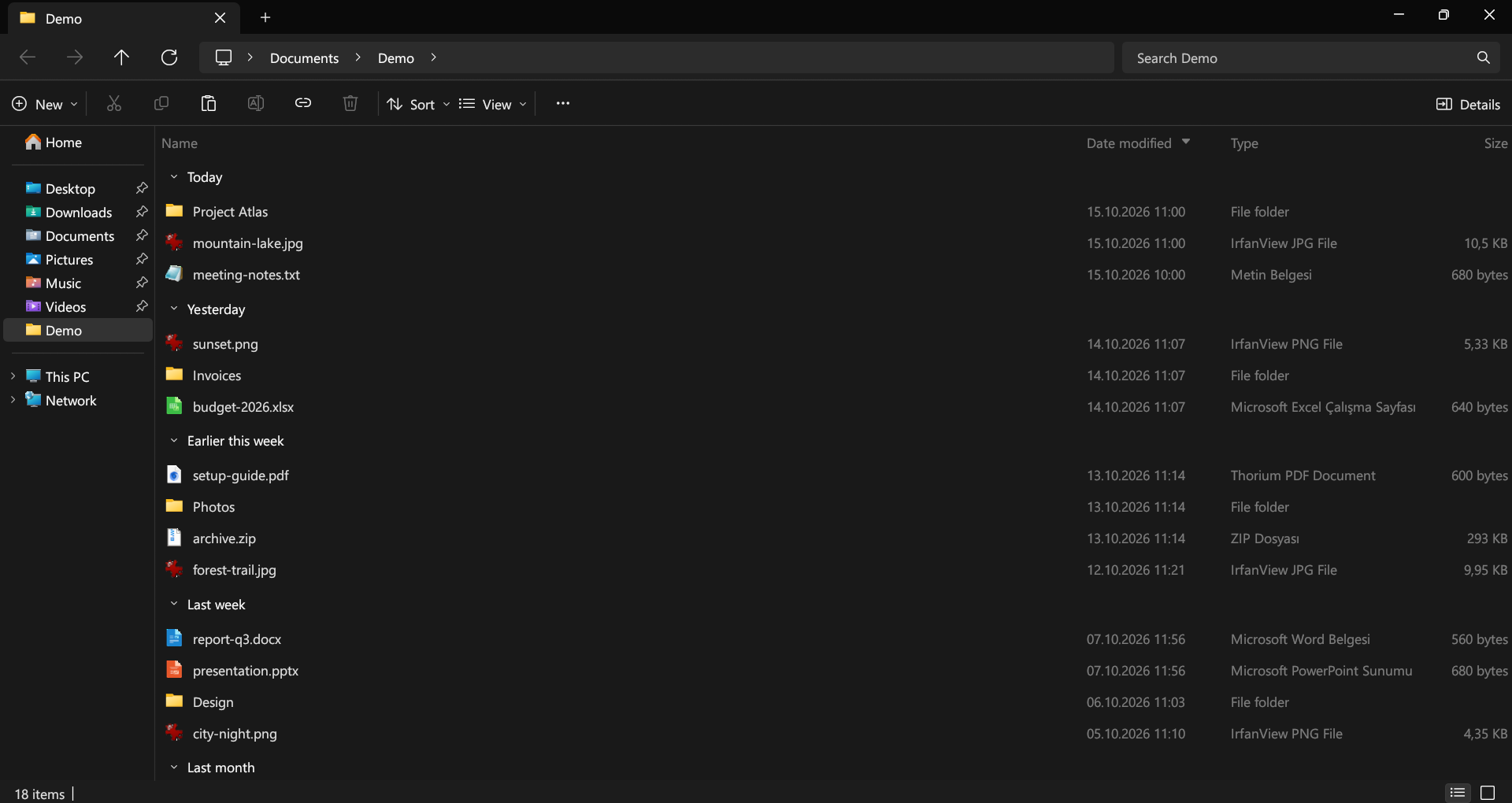
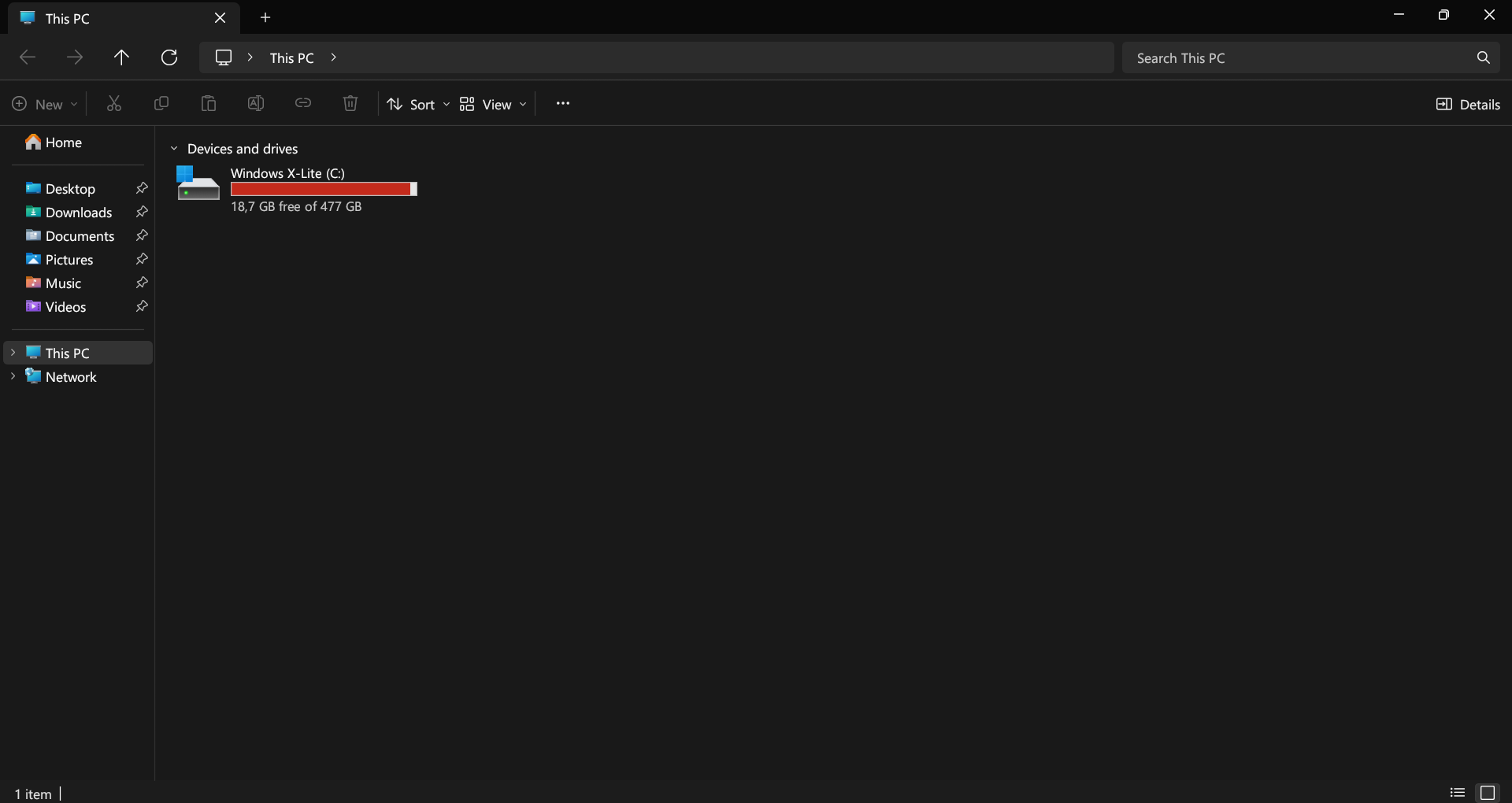
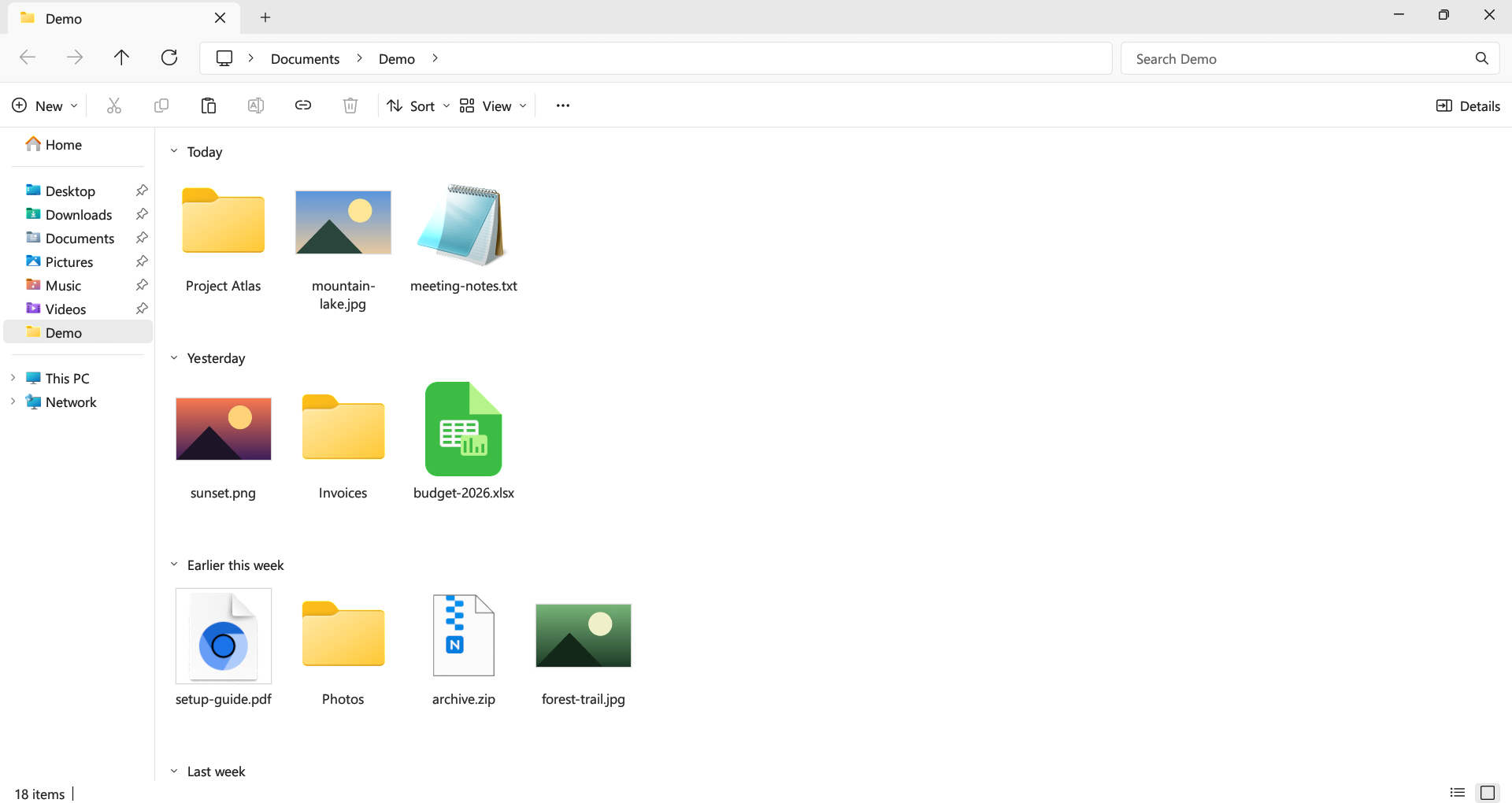
Screenshots
Open any screenshot to see it full size.
Download Swift Explorer
Windows
Made for Windows 11. Download and run SwiftExplorer.exe.
Linux
Download an x86-64 archive or install the Flatpak bundle.